L A Y E R F O R G E S T U D I O
Layer-based image & texture editor inside Unity. Edit, design and enhance visuals in real-time with brushes, effects and one-click workflow.
Technical Details
Core System
- Layer-based image and texture editing inside Unity
- Real-time editing with instant feedback
- Non-destructive workflow with re-editable structure
- Full Undo / Redo system
Editing Workflow
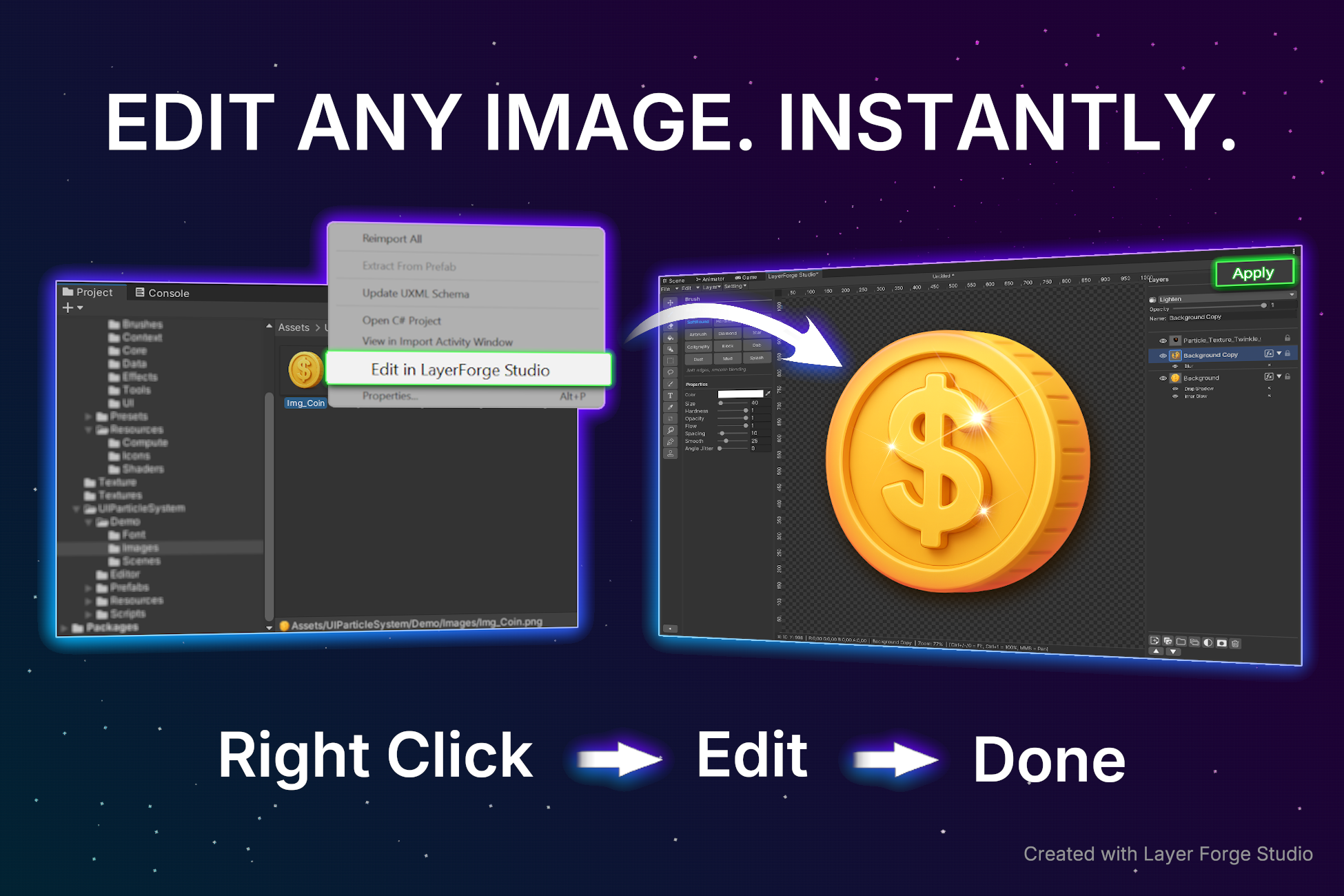
- Right Click → Edit → Apply workflow
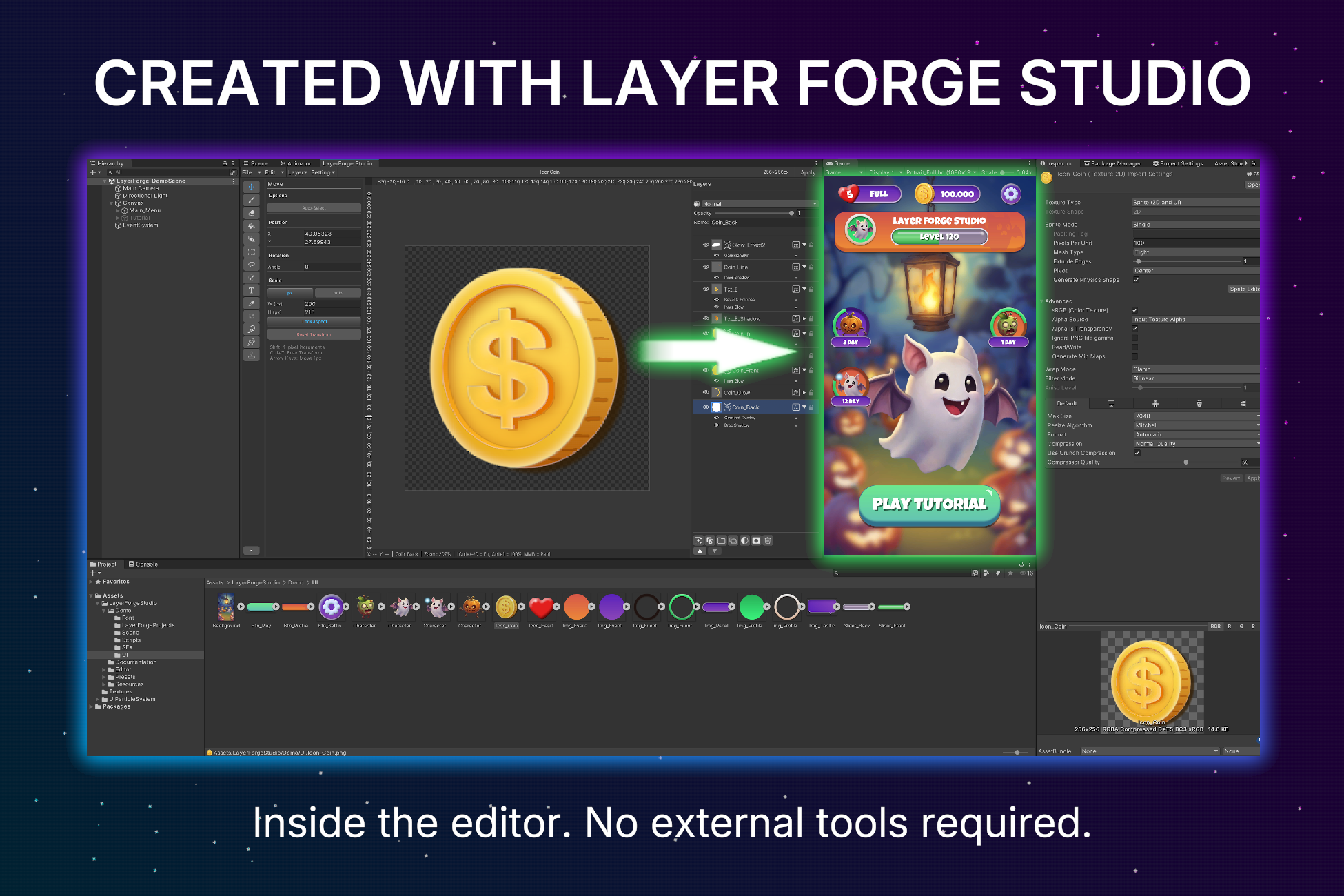
- Direct editing without external tools
- Seamless pipeline integration
Save & Data System
- Auto-save to prevent data loss
- Full project save via .lfs files
- Smart re-editing via .lfsmeta files
- Reopen and continue editing modified images
Advanced Layer System
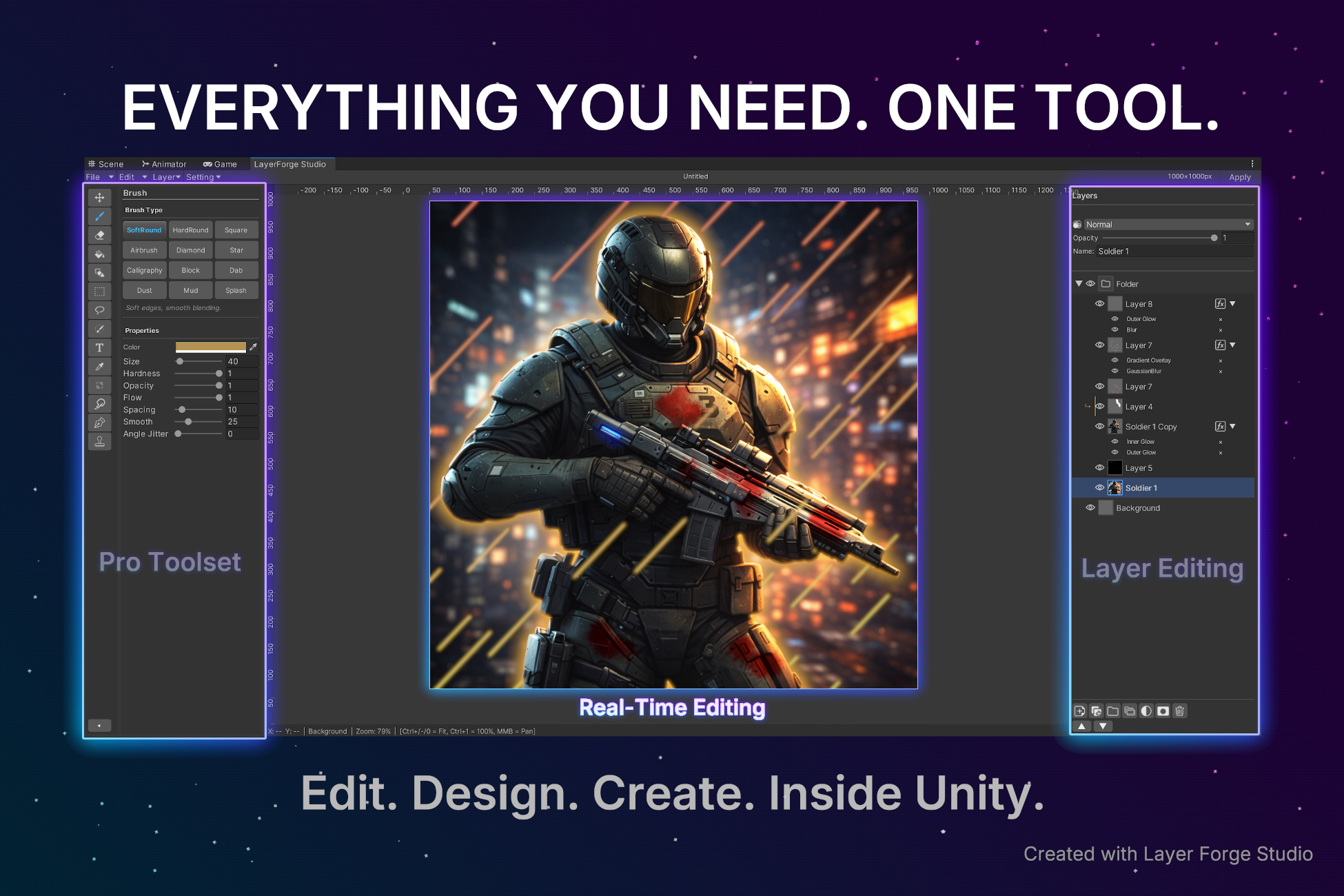
- Multi-layer editing & Layer grouping
- Clipping masks & Layer masks
- Adjustment layers (non-destructive)
- Opacity, blending controls & ordering
Effects & Tools
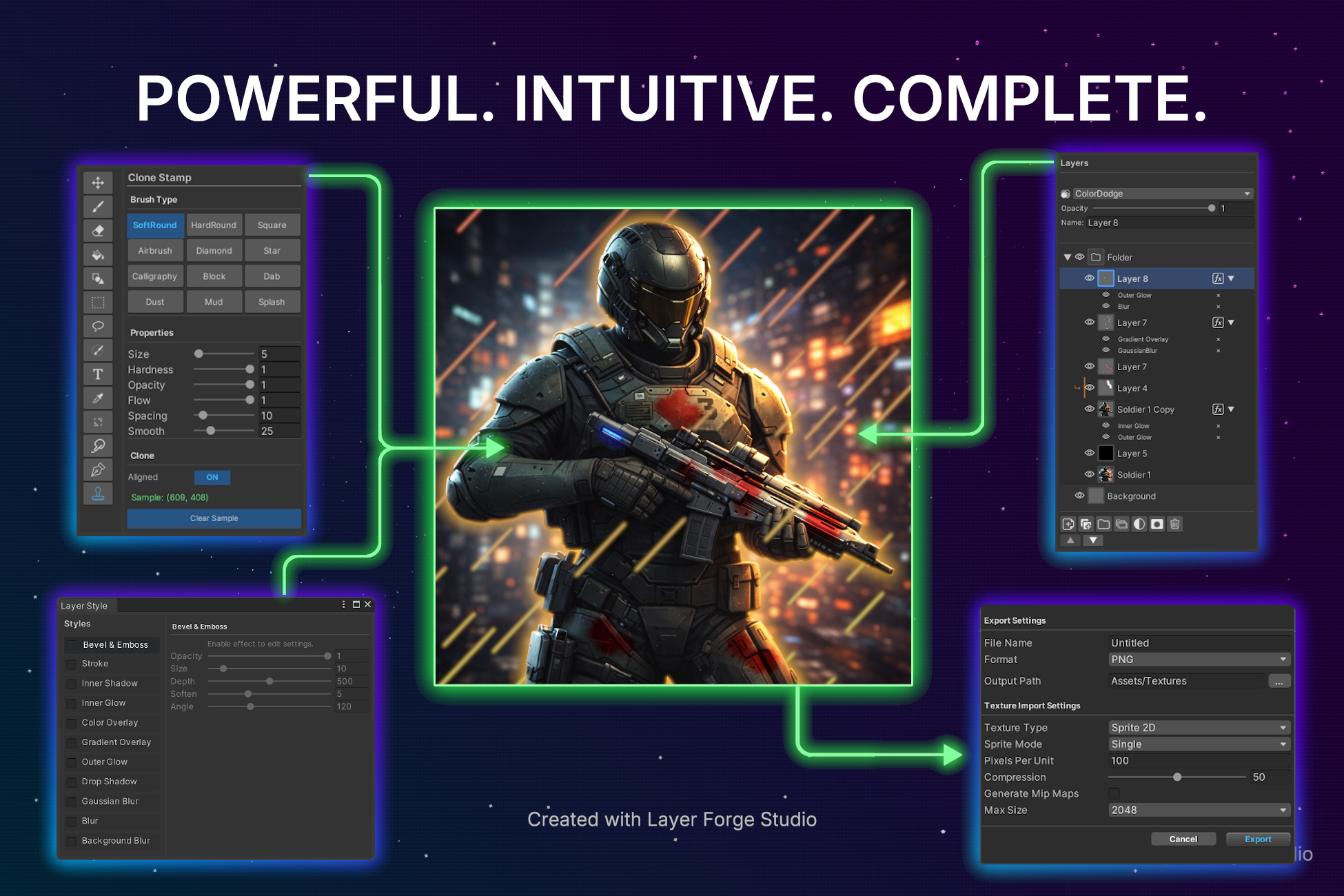
- Blur, Glow, Shadow, Color/Gradient Overlay
- Move (Auto-Select), Brush, Clone Stamp, Smudge
- Shape, Pen, Crop, Marquee/Lasso, Fill, Text
- Transform (move, scale, rotate, perspective warp)
Compatibility & Performance
- Optimized GPU-assisted real-time editing
- Works with standard texture formats (PNG, JPEG)
- Compatible with Built-in, URP and HDRP
- Unity Editor tool (no runtime dependency)
Description
Edit, design and enhance your images directly inside Unity · no external tools, no broken workflow.
Layer Forge Studio is a powerful, layer-based image and texture editor built for Unity. It allows you to modify, create and refine visuals in real-time without ever leaving the engine.
Whether you're polishing UI, creating textures, or making quick adjustments to assets, Layer Forge Studio gives you a fast, intuitive and complete editing workflow.
Why Layer Forge Studio?
Stop switching between external software and Unity.
With Layer Forge Studio, your image editing pipeline stays inside your project from start to
finish.
Right Click → Edit → Apply
That is the core workflow.
Key Features
- Real-Time Editing: See your changes instantly while you work.
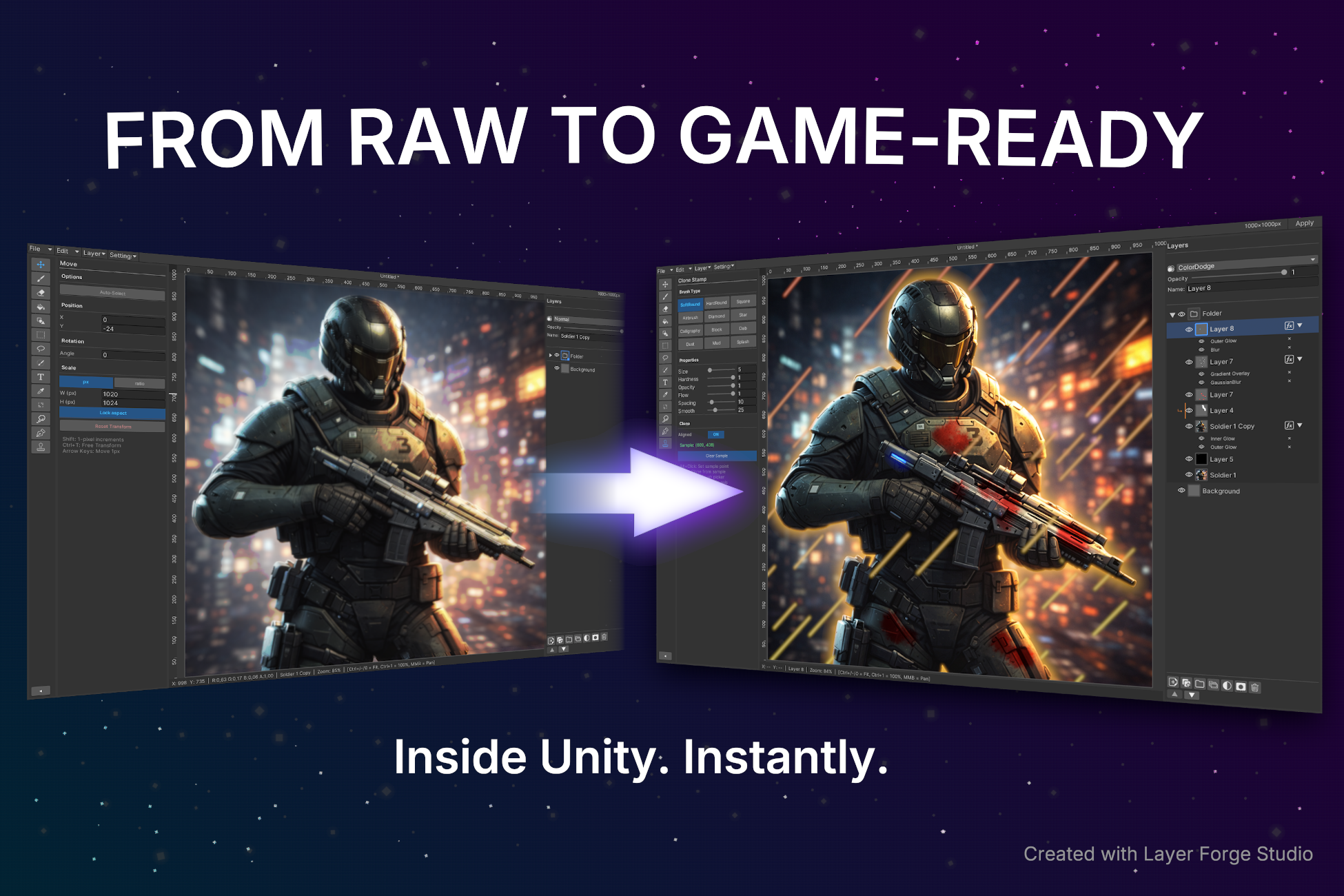
- Layer-Based Workflow: Create and edit with a flexible multi-layer system designed for fast iteration.
- Advanced Effects: Add blur, glow, shadow, color overlays and more with full control.
- Brush & Paint Tools: Edit textures directly with intuitive brush-based tools.
- One-Click Workflow: Right-click any supported image, open it in Layer Forge Studio, make your changes and apply them back into your project.
- Auto Save & Recovery: Includes an auto-save system designed for professional workflows, helping protect your work while editing.
- .lfs Project Save System: Save full editable Layer Forge projects as .lfs files for standalone workflows.
- .lfsmeta Smart Re-Editing: Stores editable workflow data, so you can reopen the same image later and continue editing without losing layer setups.
- Non-Destructive Continuation: Your workflow is not limited to a one-time export. Reopen, adjust and continue working whenever you need.
- Built for Unity Pipelines: Designed to fit naturally into Unity-based art and production workflows.
Use Cases
- UI image editing and polishing
- Texture refinement and paintovers
- Creating stylized visuals directly in-engine
- Rapid iteration on imported assets
- Re-editable workflow for production assets
- Artists and developers who want to stay inside Unity
What Makes It Different
Layer Forge Studio is not just an image editor. It is a workflow system.
With .lfs project files, .lfsmeta re-editable asset data, built-in auto-save and direct in-project editing, it gives you a faster and more flexible way to work with visuals inside Unity.
No context switching.
No repetitive export/import cycle.
Just a faster way to create.