G O A T I C O N S T U D I O
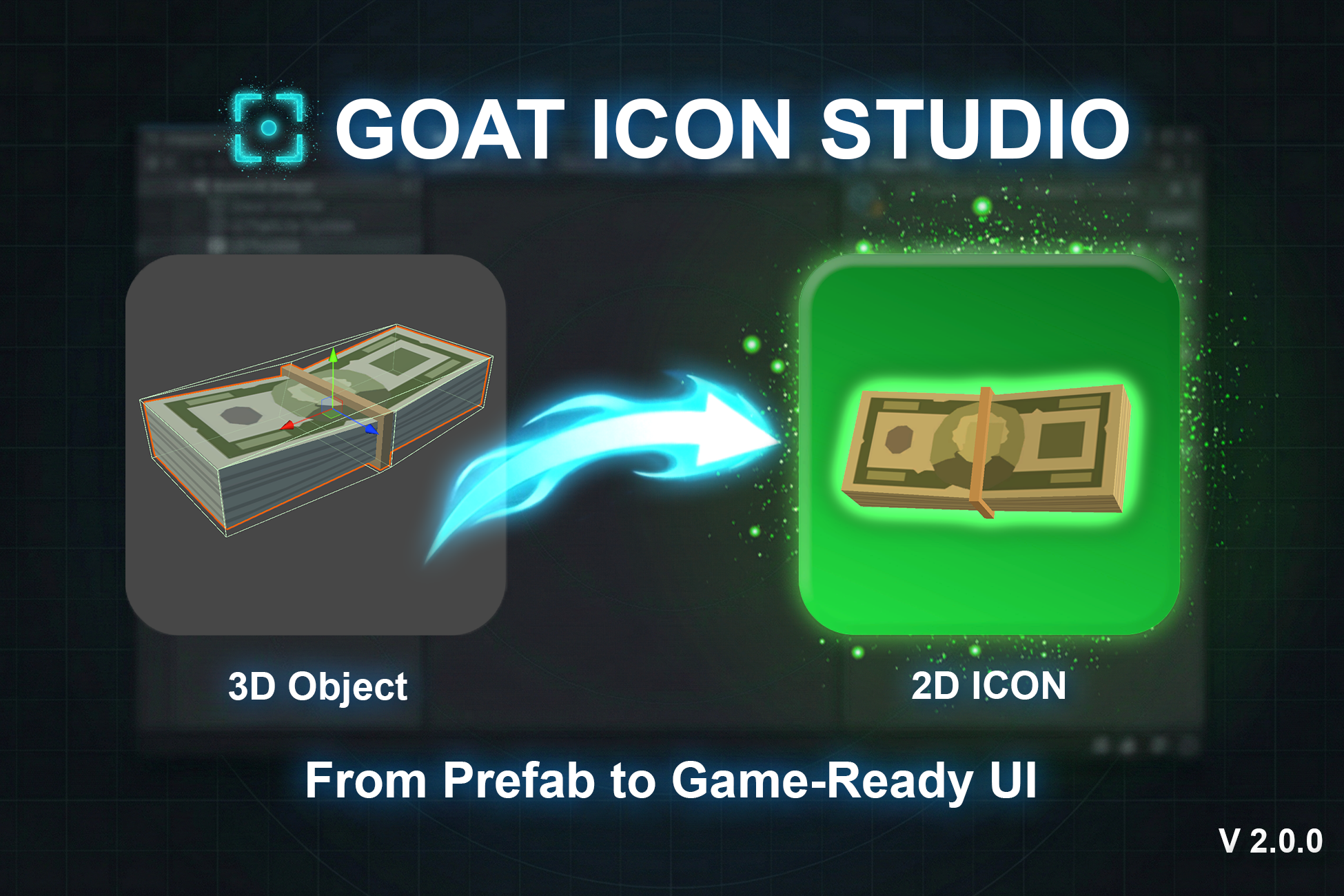
Create game-ready 2D icons from 3D prefabs in seconds. Batch export, animation capture, multi-object setup, and real-time preview.

Technical Details
Type & Pipeline
- Editor Window Tool (No runtime dependency)
- Compatible with Built-in, URP, and HDRP
- Pipeline-independent output (standard PNG)
Input / Output
- Input: 3D Models (Prefabs or Scene Objects)
- Output: High-quality PNG icons
- Automatic Sprite setup (Texture Type: Sprite (2D and UI))
Core Features
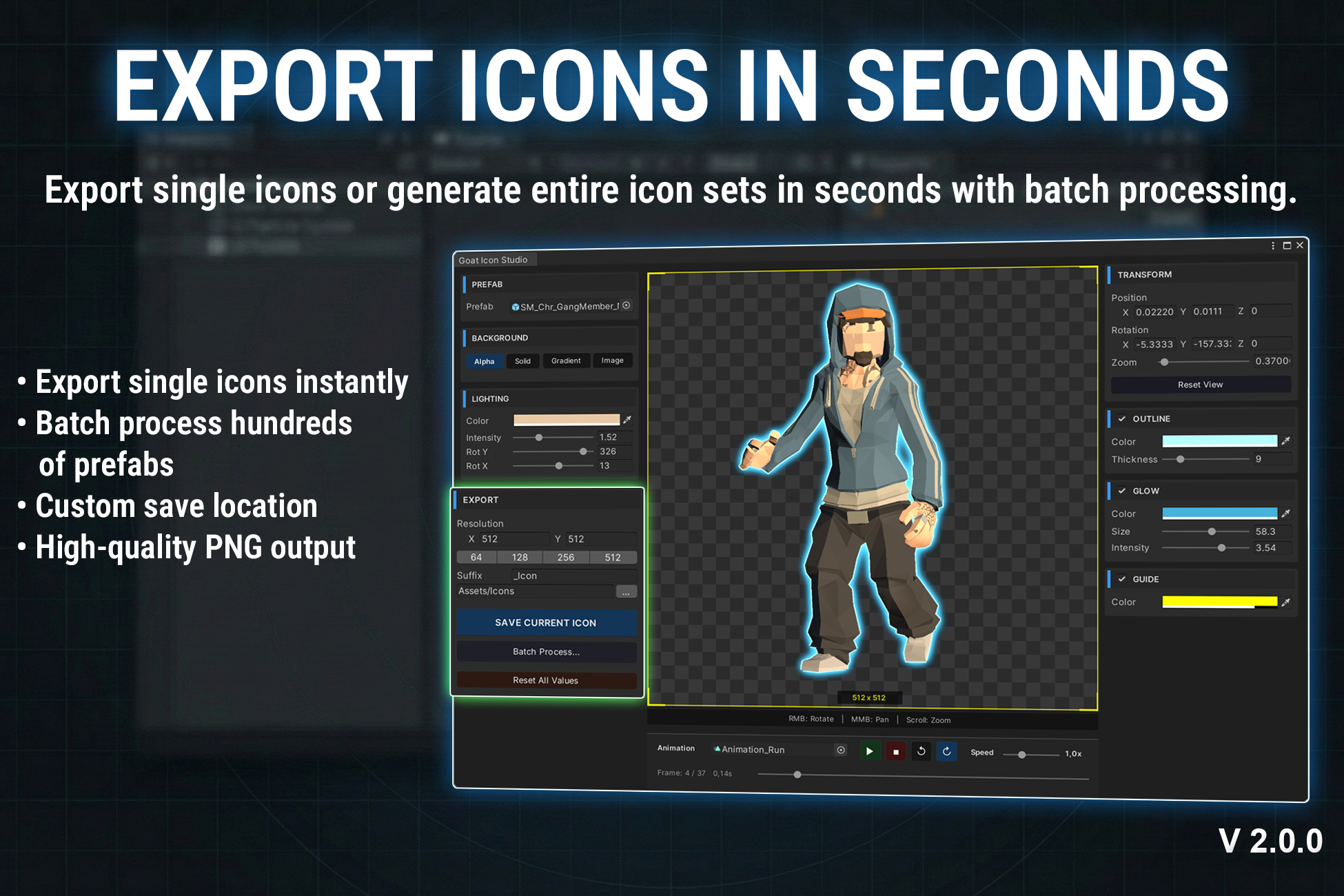
- Single & Batch Icon Generation
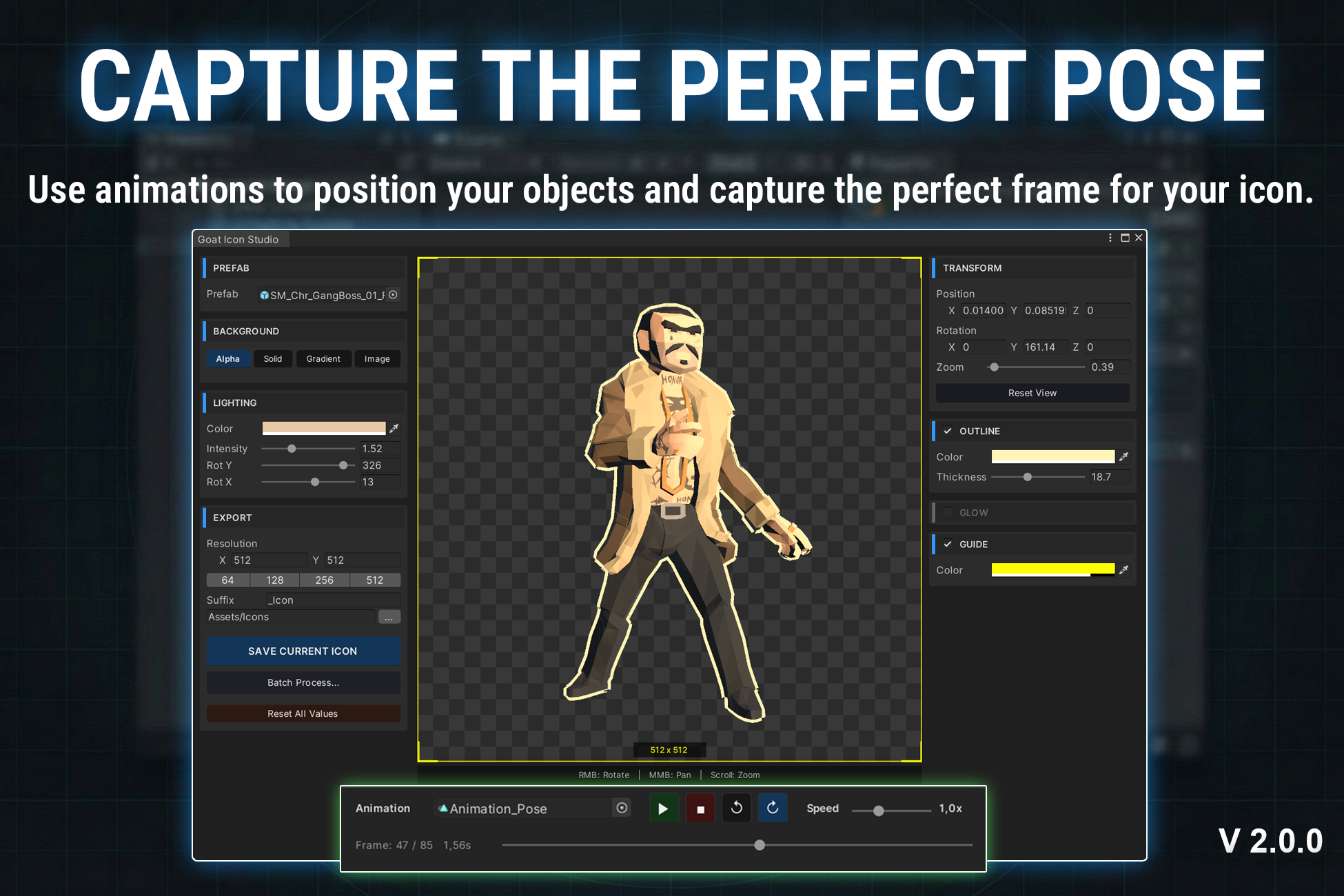
- Animation-Based Icon Capture (frame selection)
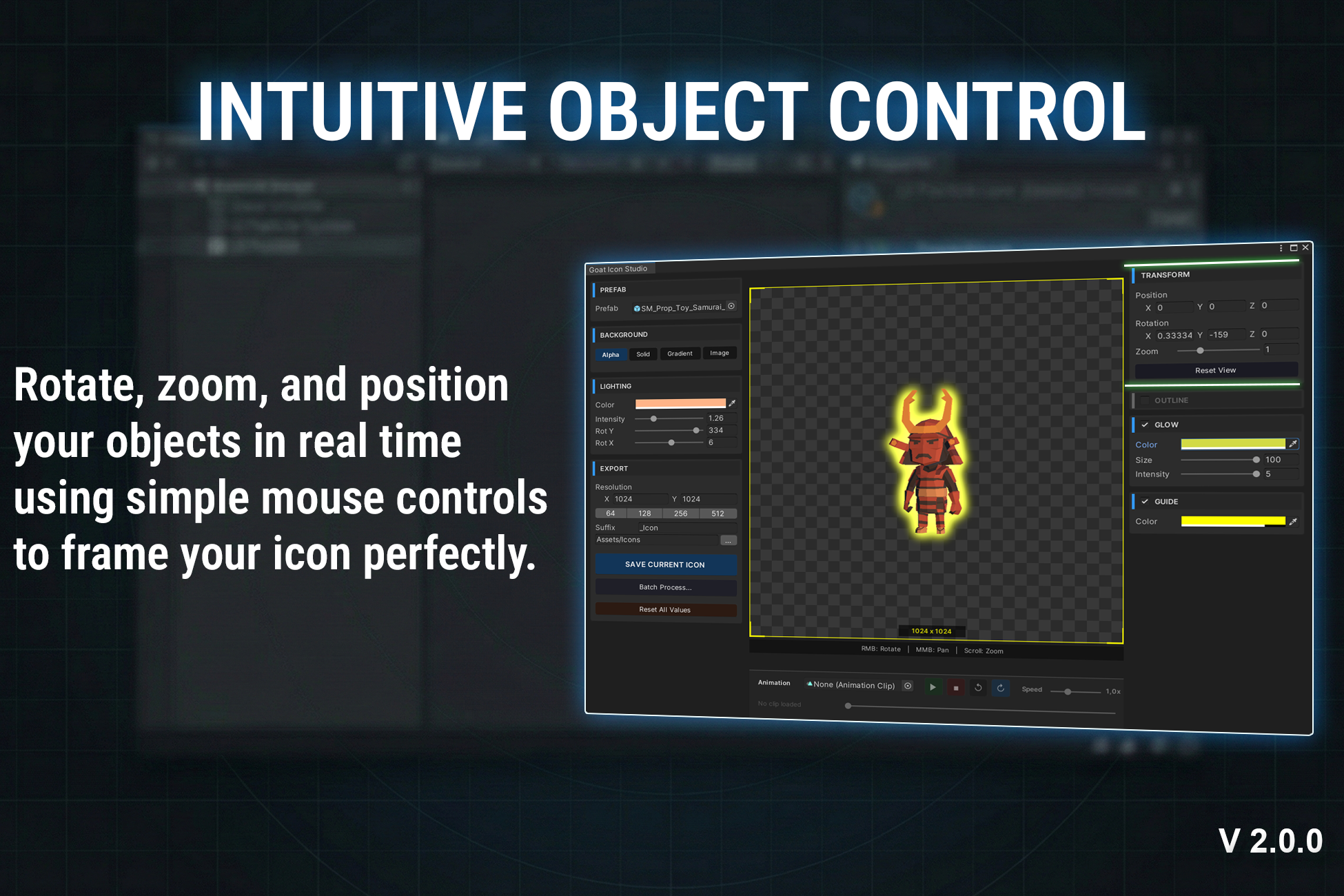
- Real-time Preview (Zoom, Rotate, Pan)
Visual Customization
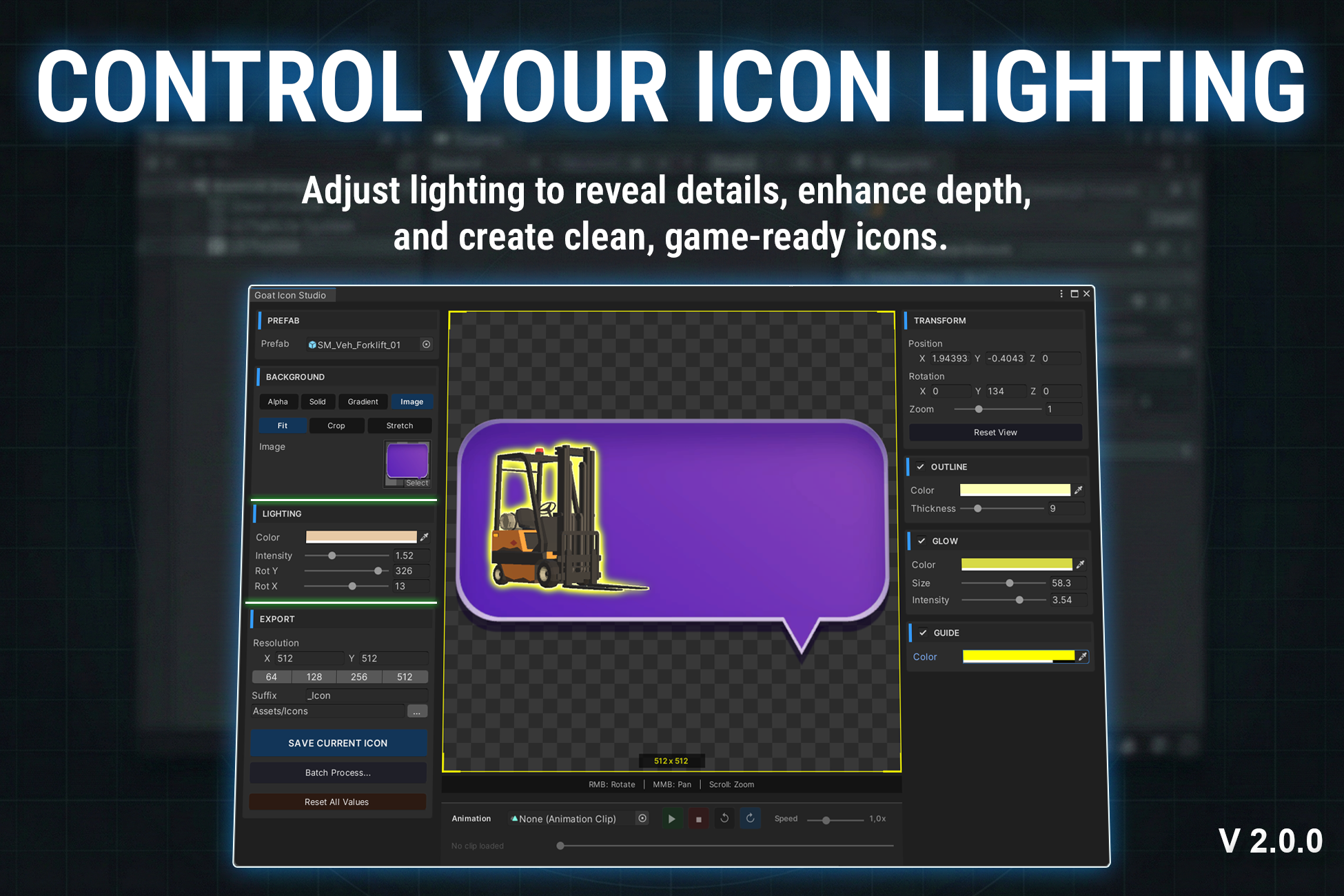
- Adjustable lighting (intensity, color, angle)
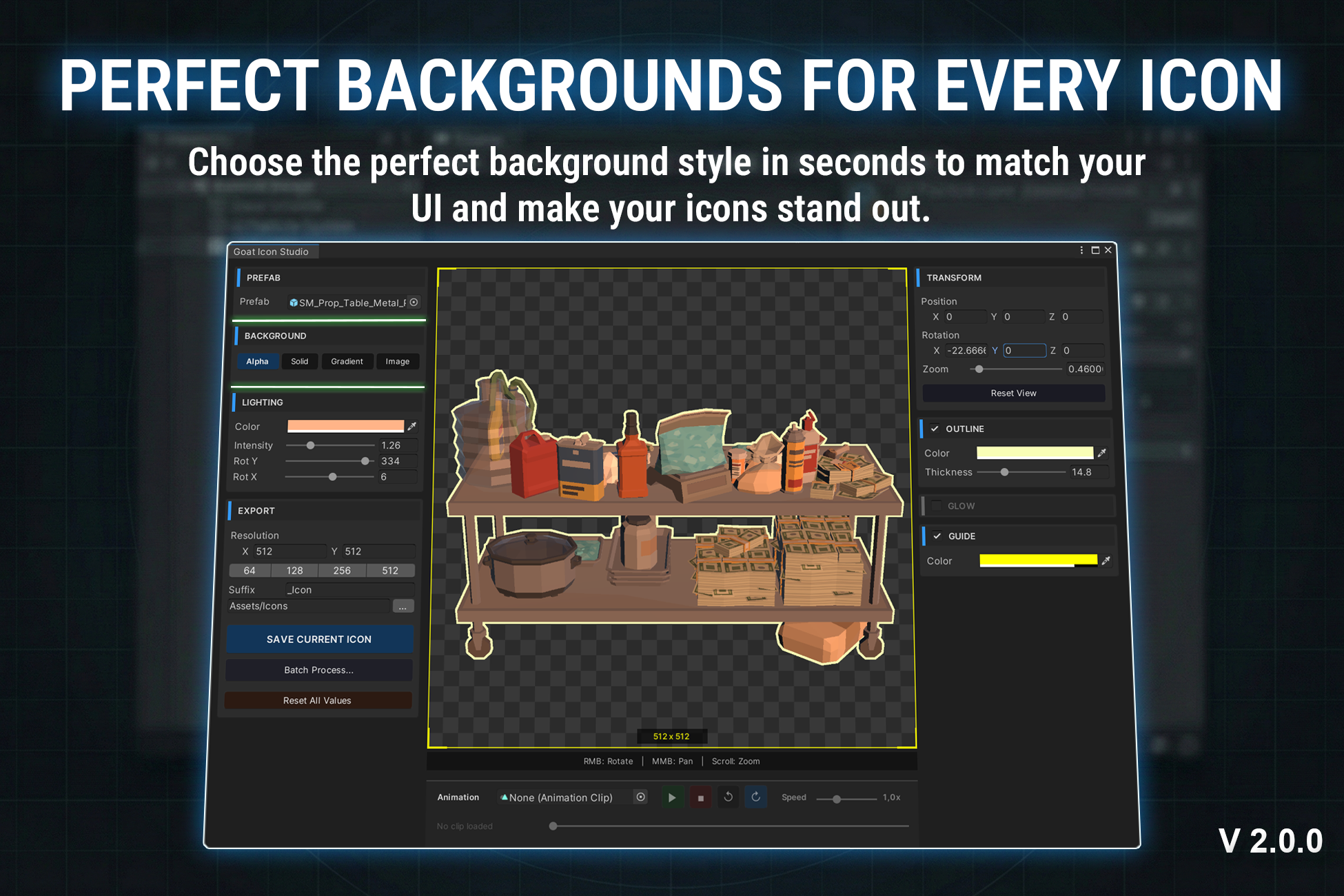
- Flexible backgrounds (transparent, solid, gradient, image)
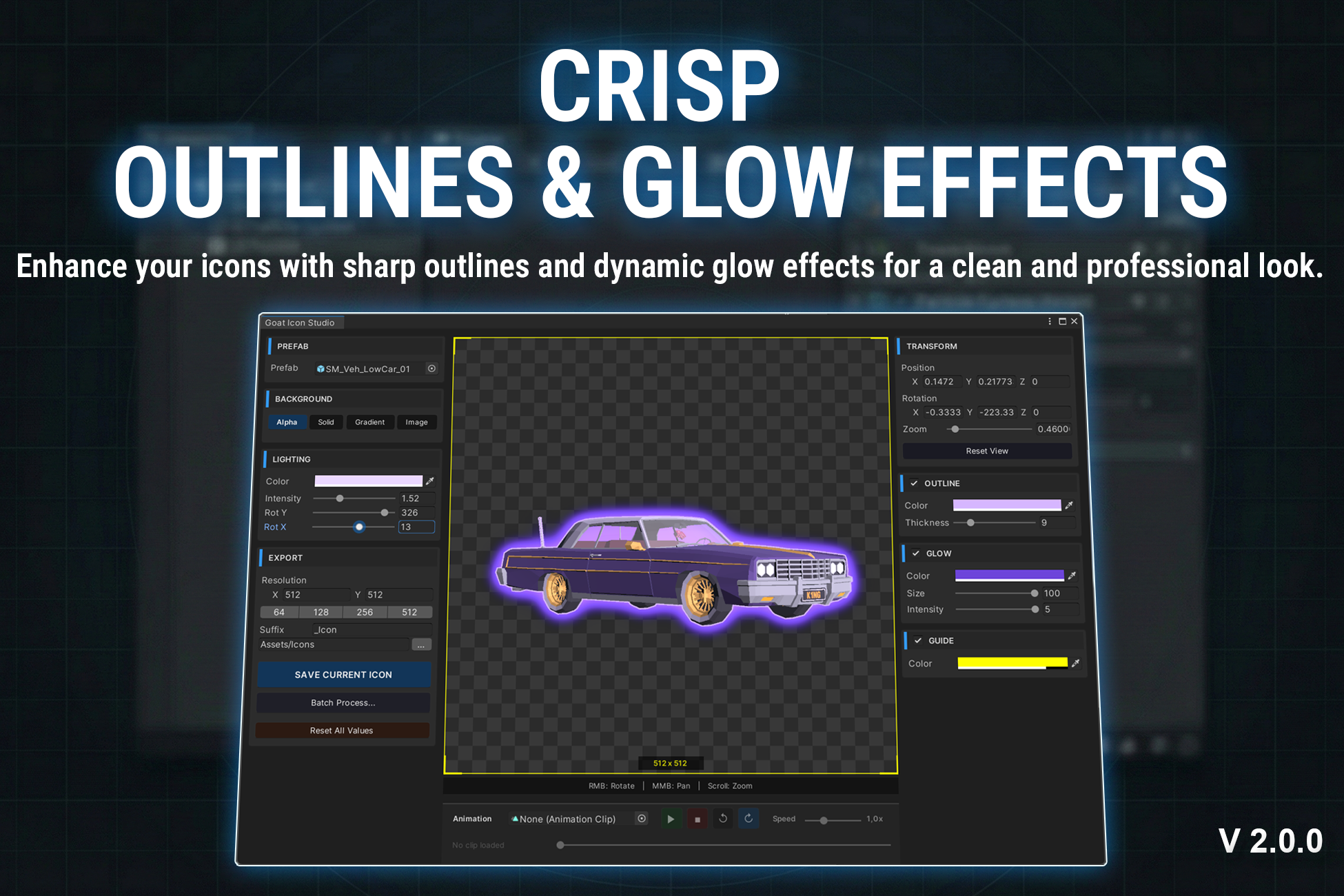
- Shader-based outline (stroke) system
- Built-in glow effects
Export Settings
- Custom resolution support
- Custom save location
- High-quality PNG output
Performance & Workflow
- Fast batch processing for large icon sets
- Stable and consistent rendering results
- No external dependencies required
Description
Create game-ready 2D icons from your 3D prefabs directly inside the editor.
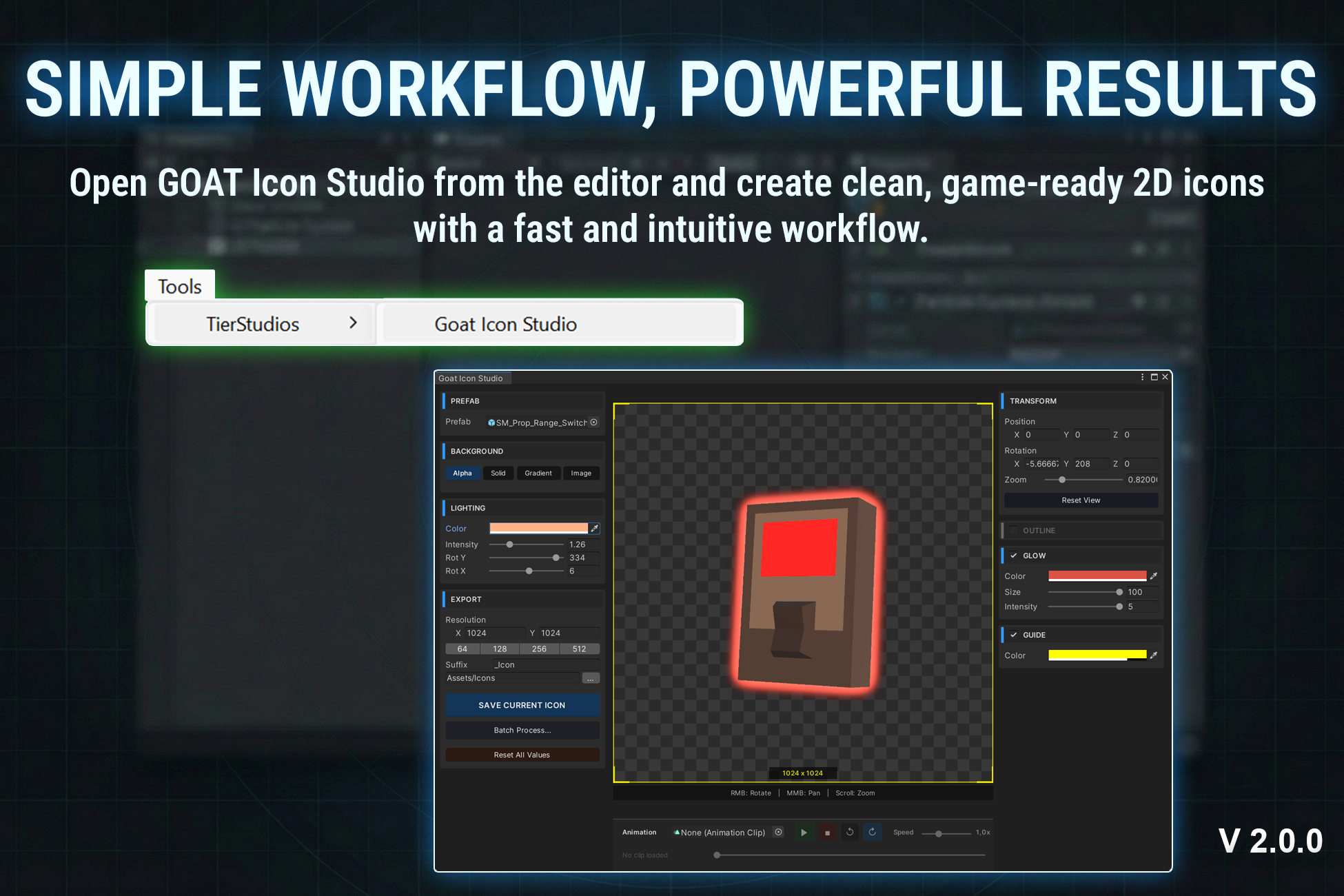
GOAT Icon Studio is designed to speed up your UI workflow by turning models into clean, production-ready icons in seconds · no external tools, no manual screenshots.
Generate single icons or entire icon sets with a fast and intuitive workflow. Everything is handled inside the editor, so you can focus on creating, not exporting.
Key Features
- One-Click Generation: Support for Single & Batch icon generation.
- Animation-Based Capture: Choose the perfect pose directly from animations.
- Multi-Object Composition: Combine multiple assets into one icon easily.
- Real-Time Preview: Rotate, zoom, and frame with mouse control instantly.
- Flexible Backgrounds: Use transparent, color, gradient, or image backgrounds.
- Shader-Based Effects: Built-in Outline & Glow effects to make icons pop.
- Adjustable Lighting: Fine-tune lighting color, intensity, and angle.
- High-Quality Export: Export as PNG (ready for UI use).
- Auto Sprite Setup: Drag & drop ready immediately after export.
Use Cases
Perfect for:
- Inventory systems
- RPG & strategy UI
- Card and item icons
- Shop and marketplace assets
- Character portraits
Save hours of manual work by generating icons in bulk and building complete icon sets in minutes.
Ideal for creating UI icons, sprites, and visual assets from 3D prefabs with a fast and flexible workflow.